 SwiftDM
New · Version 2.0.2 for Windows
The fastest download manager for Windows
Faster downloads, one-click video saving from the sites you use every day, and nothing lost when your connection drops.
Firefox / Zen add-on & release notes · Try the live demo
7-day free trial · Lifetime ₹500 / $9.99 — covers Windows + Android
How it works
Three steps, then every download is one click away.
- 1
Install SwiftDM
Get the Windows app and sign in with Google. Your 7-day free trial starts with every feature.
- 2
Add the browser add-on
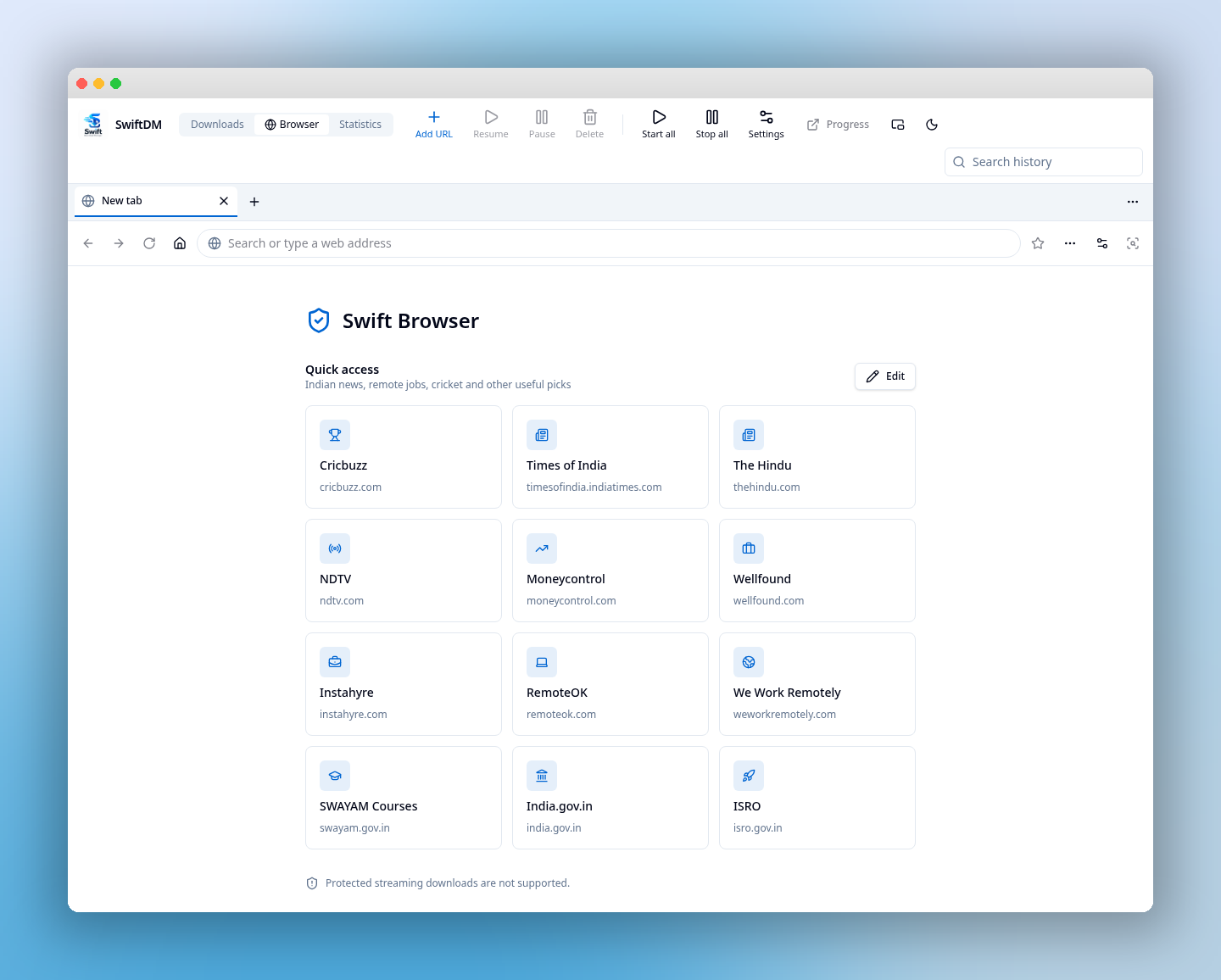
Works in Chrome, Edge, Brave, Opera, Vivaldi, Firefox and Zen — even in incognito once you allow it.
- 3
Click “Download with SwiftDM”
A button appears on links and on the video you're watching. Pick a quality and SwiftDM does the rest.
Everything SwiftDM can do
Speed
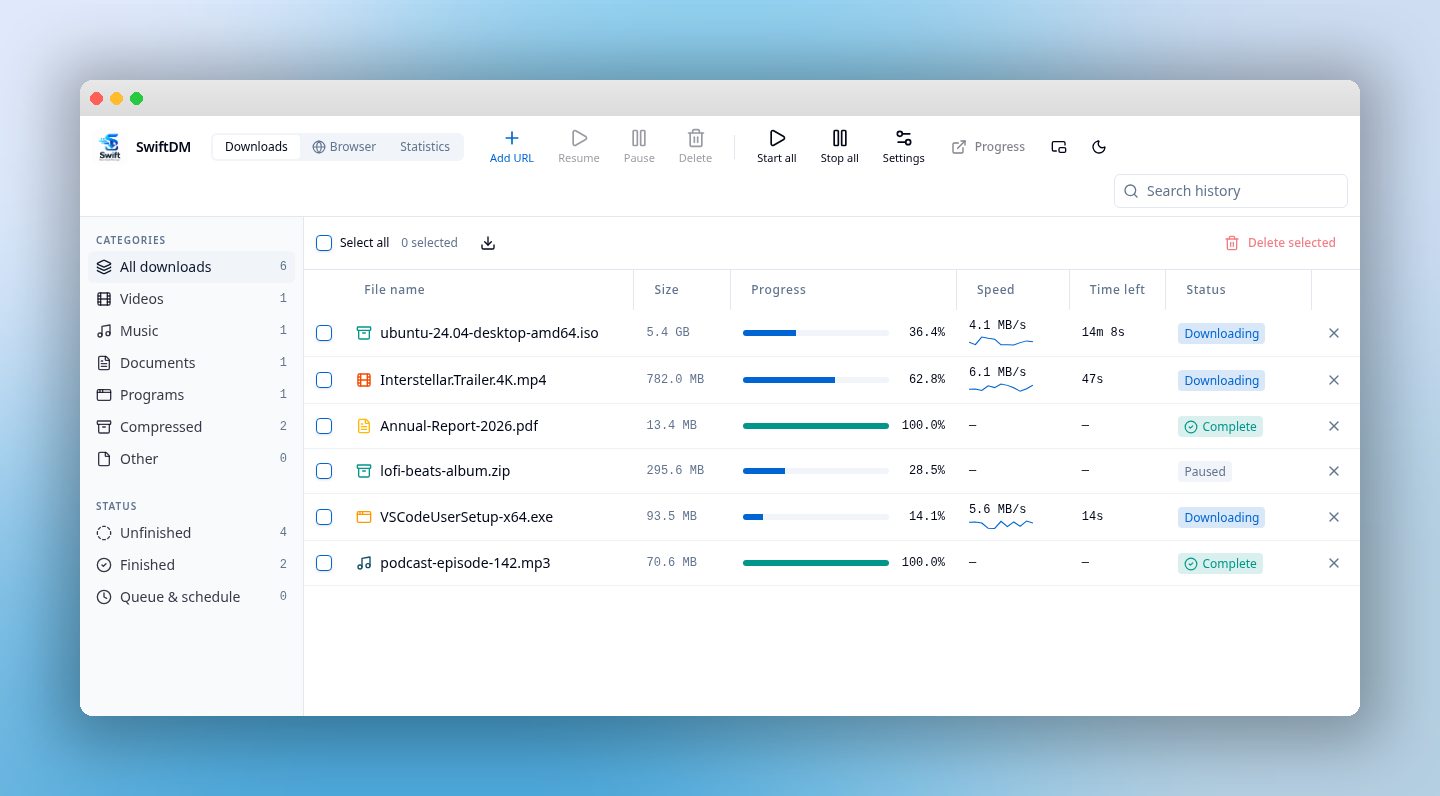
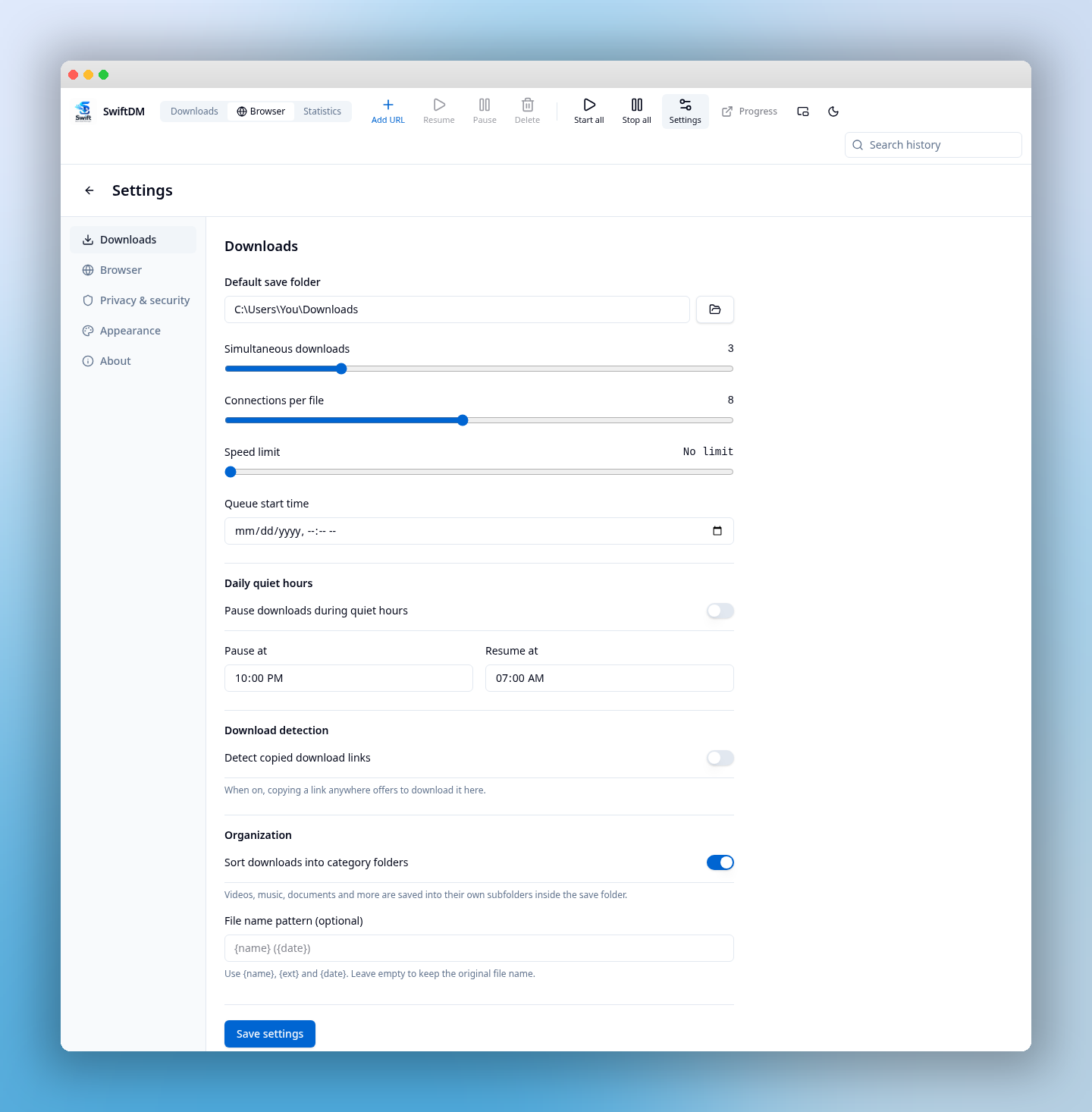
- Up to 8 parts at once for faster downloads
- Pause and resume — even after a restart
- Per-site speed boost and fair bandwidth sharing
- Speed limits, scheduler and quiet hours
Video capture
- One button on the video you're watching
- Choose quality, or save sound only as MP3
- Picture and sound joined into one MP4
- Video queue: collect many, then Download all
- Chapter folders for course videos
Works on
- Instagram posts, reels and stories you can see
- Facebook and LinkedIn feed videos
- TikTok public videos
- Vimeo and Wistia when not copy-protected
- Any normal file — ZIP, PDF, MP4, EXE, ISO…
Smart tools
- Swift Drop — drop links on it
- Send links from your phone with a QR code
- Auto-unzip and Windows Defender scan
- Checksum check and duplicate warnings
- Auto-sorted folders and file-name patterns
Comfort
- Light and dark themes, accent colours
- Keyboard shortcuts you can change
- Finish sounds and a 7-day speed chart
- Starts with Windows, lives in the tray
- Hindi, Kannada and Tamil
Account & security
- Sign in with Google inside the app
- One lifetime license covers Windows + Android
- One 7-day free trial per account
- One computer + one phone — first transfer free
- No hidden tracking
Not supported, by design: YouTube, Netflix, Prime Video, Disney+, Spotify, private videos and anything copy-protected. SwiftDM always says why.
A closer look
Simple pricing
One 7-day free trial per account, then one lifetime purchase that covers Windows and Android — bought inside the app on either platform.
Lifetime — Windows + Android
₹500
$9.99 internationally · one computer + one phone
Get SwiftDM PremiumFrequently asked questions
Is SwiftDM free to try?
Yes. Every account gets one 7-day free trial with every feature, starting at your first successful activation on Windows or Android — it covers both. After the trial, one lifetime purchase activates your account everywhere.
How does the button appear on websites?
Once the add-on is installed, SwiftDM checks the page you're on. When it finds a downloadable file or the video you're watching, it shows a “Download with SwiftDM” button and a small status chip: green means a video is ready, amber means it's still looking, grey means nothing downloadable.
Can it download from Instagram, Facebook, LinkedIn and TikTok?
Yes — videos your account can already see, including Instagram stories. It never unlocks private or copy-protected content.
What doesn't it download?
YouTube, Netflix, Prime Video, Disney+, Spotify and any DRM-protected or private media. SwiftDM tells you why instead of failing silently.
Does it work in incognito?
Yes. Allow the add-on in incognito or private windows from your browser's extension page and capture works there too.
How many devices can I use?
Your license covers one active computer and one active phone at the same time. Your first move to a new device is free and deactivates the old one; further moves need a new license.
Which Windows versions are supported?
Windows 10 (version 1809 or later) and Windows 11, 64-bit.
Is there a refund?
Purchases are final — please use the free trial first. See our Refund Policy for details.
Ready for faster downloads?
Install SwiftDM and start your free trial today.
Get it from Microsoft Store